What's My IP
See your public IPv4 and IPv6 addresses and an estimated location right now. Addresses are not stored.
Loading the tool…
User reviews
No reviews yet. If you’ve used this tool, be the first to leave one.
What's My IP: complete guide
Walk through the steps and examples, or jump straight to the topic you need.
At a glance
- What it checks
- The public IP address this server saw in your request.
- Version
- Shows IPv4 or IPv6 by format, and asks for the two addresses separately to show both (ipify, then Cloudflare 1.1.1.1 if that fails).
- Location info
- Estimated country, region and city based on network registration.
- Browser values
- Language, time zone, connection status and connection type.
- Storage
- The address is not stored and responses are not cached.
- What it doesn't do
- It does not dig out an internal IP with WebRTC.
How to use What's My IP
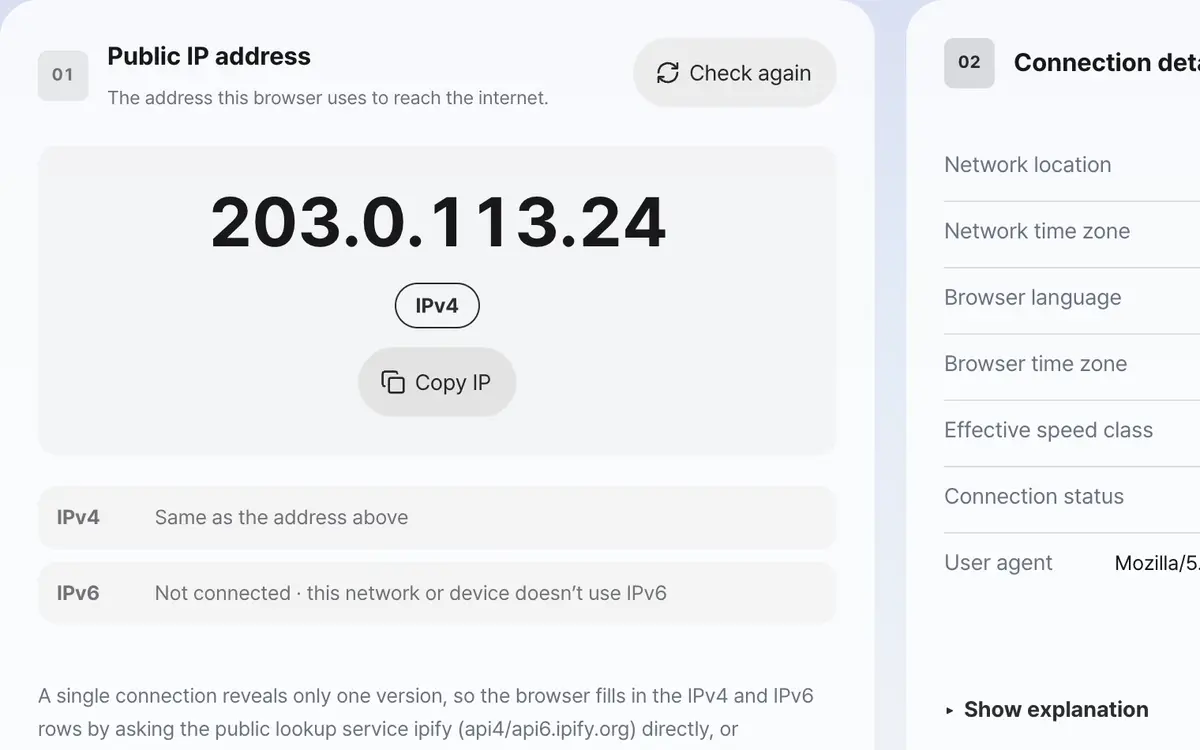
Open the page and your public IP is checked automatically
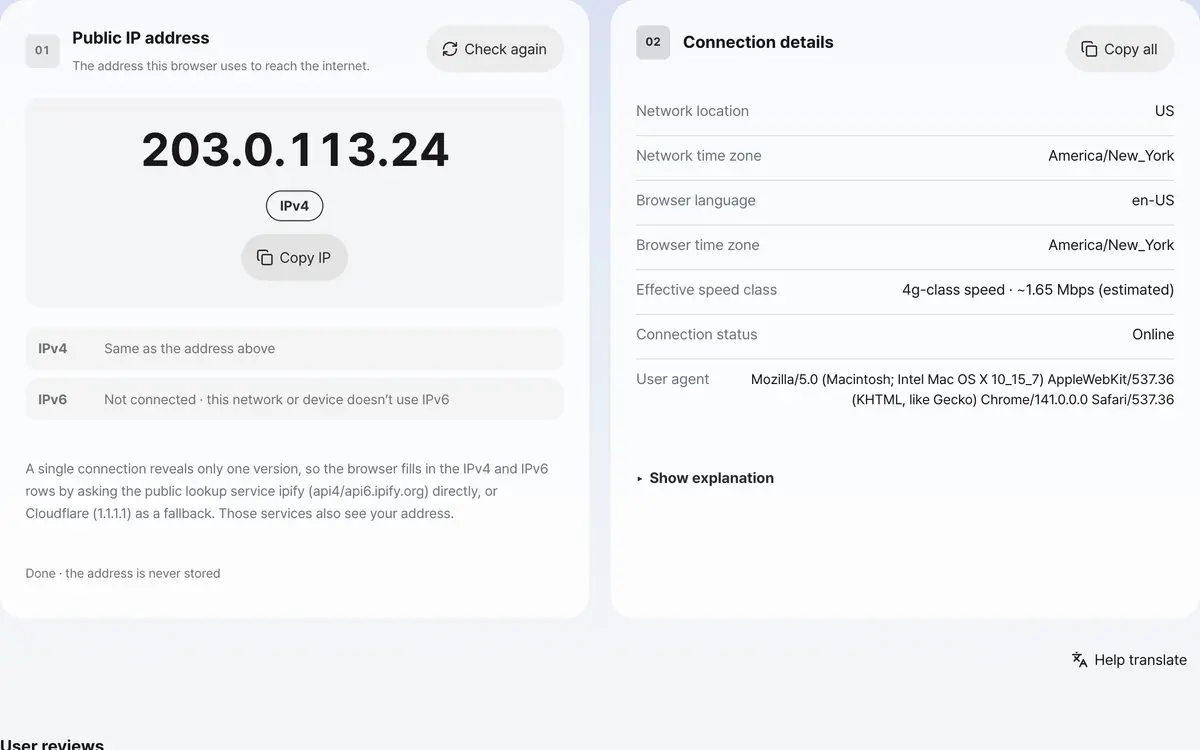
Review the IP version and network location
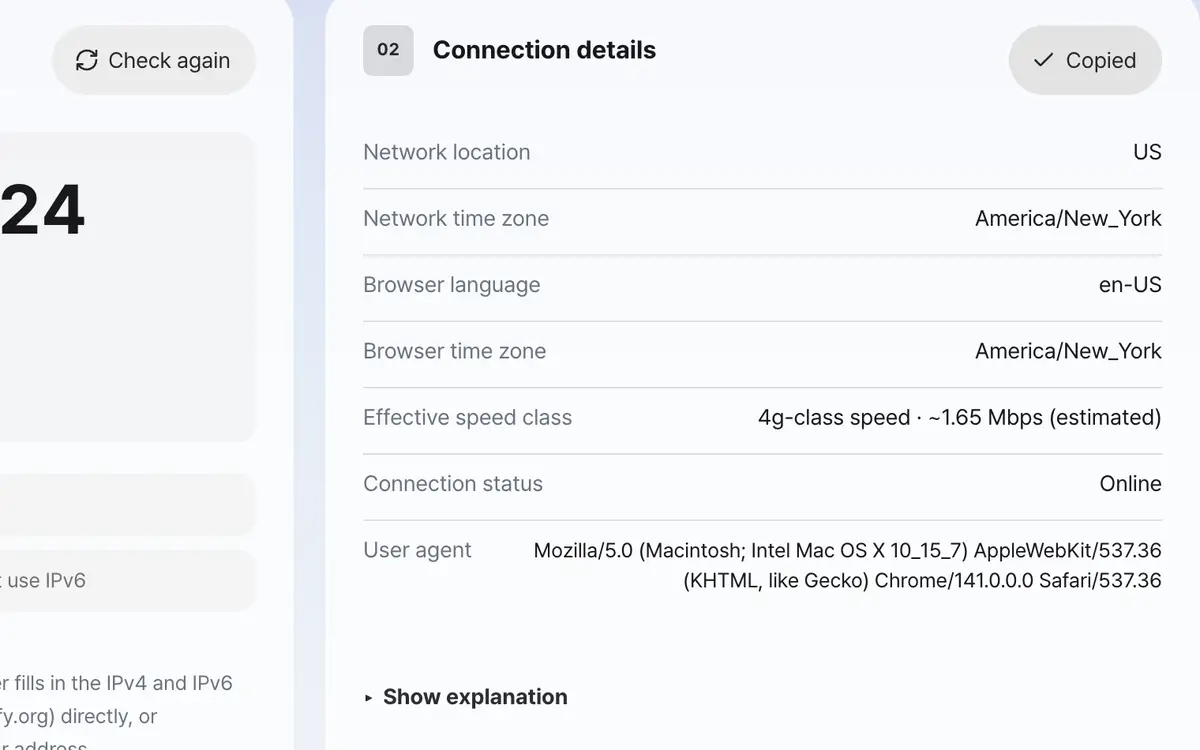
Copy the address or all the details if you need them
It checks as soon as the page opens
There is nothing to press: when the page opens, it checks your public IP address and shows it in large text.
Check the IP version
Next to the address it shows whether it is IPv4 or IPv6. Many networks use IPv6 first now, so the boxes below check and show your IPv4 and IPv6 addresses separately.
Look at the location and connection info
On the right you can see the estimated location based on the network, the browser language and time zone, and the connection status and type.
Copy the values you need
Copy IP puts just the address on the clipboard, and Copy all puts all the checked information there at once. After turning a VPN on or off, press check again to see the changed address.
What it’s good for
Public IP and private IP are different
The value shown here is your public IP address, the one used when your traffic goes out to the internet through your router or carrier. It is different from the private IP, starting with 192.168, that each device gets inside your home or office, and a web page can't see your private IP. Check your private IP in the operating system's network settings or with the ipconfig or ifconfig command.
Location is an estimate based on the network
Country, region and city are estimates based on the network that registered the IP range, not a GPS position. It is common for the city of a carrier's equipment to be shown, so it can be off from where you actually are by tens of kilometers or more. If you turn on a VPN or proxy, both the address and the location change to that server's.
Your address is not kept
The IP address is checked and shown on screen only; it is not logged on the server and responses are not cached. A single connection shows only one of IPv4 or IPv6, so to show both addresses your browser asks the public address-check service ipify (api4 and api6.ipify.org) directly, and Cloudflare (1.1.1.1) if that fails. Your address is passed to that service in the process. Values that can only be obtained inside the browser (language, time zone, connection type) are read directly in this browser and used only on screen.
Worked examples
Checking on home internet
Wired internet · VPN offPublic IP · IPv4 · estimated country and city · browser time zoneChecking again with a VPN on
Overseas VPN connected · pressed check againThe VPN server's address and a location for that countryPublic IP vs private IP
Swipe the table sideways to see the rest.
| Item | Public IP | Private IP |
|---|---|---|
| Where it's used | When going out to the internet | Between devices behind the router |
| How to check | An outside server tells you, like this tool | Check in the operating system's network settings |
| Example range | An address assigned by the carrier | Addresses starting with 192.168 or 10.0 |
When the result isn’t what you expected
The address shows as unavailable
The internet connection dropped or the request was blocked along the way. Check your connection and press check again. If you're offline, the screen tells you first.
The location shows an unrelated city
The location is based on IP range registration, so it often shows the city where the carrier's equipment is. If you need your exact current location, use your device's location feature instead of this value.
The location is completely empty
Location info is shown only when the environment hosting the service sends it along. If no value arrives, it is left as unavailable rather than made up.
Key terms
- Public IP
- The address that points to this connection on the internet, and the value outside servers can see.
- Private IP
- An address used only behind the router, not visible from outside.
- IPv6
- A 128-bit address system created because addresses ran short; it is separated by colons.
- Dynamic IP
- An address that the carrier assigns anew each time you connect, so it changes.
What's My IP FAQ
The address changes every time I refresh
Home internet usually has a dynamic IP, so the address changes when you disconnect or restart the router. On mobile data it can also change when you move between cell towers.
I only see an IPv6 address
Many networks use IPv6 first these days. If you connect to this site over IPv6, the large address appears as IPv6, and that is not an error. In the IPv4 and IPv6 boxes below you can see both addresses together; if one says not connected, that network doesn't use that version.
With a VPN on, does my original address show?
No. When you come through a VPN, this server can only see the VPN server's address. If your usual address still shows with the VPN on, the VPN isn't actually connected.
Can I see my computer's internal IP too?
No. This tool deliberately doesn't use the WebRTC detection method that digs out internal addresses. If you need it, check in your operating system's network settings.
Can this address pinpoint my location?
At best it's an estimate at city level, and your home address can't be known. A carrier knows subscriber information, but it isn't disclosed without legal procedures.
I want to use a static IP
That is a separate product you apply for with your carrier. Most ordinary home lines have a dynamic IP, and this tool can't change that.